 Door
DoorAndroid TV
Beta availableInstall the beta APK on compatible Android TV devices. Google Play testing and publication are pending.
Android TV installationTHE BIG SCREEN. A CLOSER LOOK.
See who's at the door without reaching for your phone. Bring Ring alerts, live cameras and recent activity to your television.
Android TV & Google TV beta · Amazon Vega OS available now
01 / POPUP NOTIFICATIONS
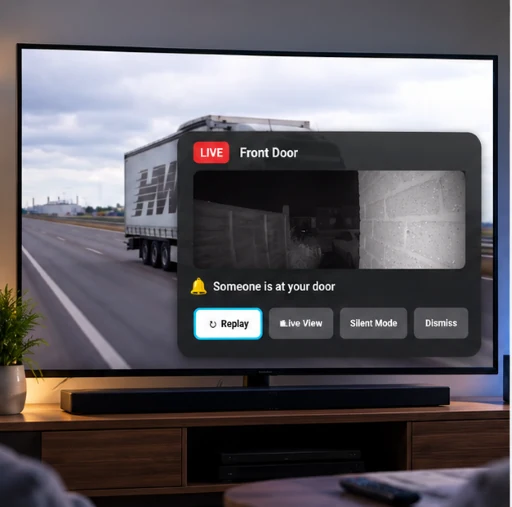
Keep watching. DoorPop brings Ring doorbell and motion activity to your television, so you can see what needs your attention.
Supported Android TV and Google TV devices can display popup notifications over other content when the display-over-other-apps permission is enabled.
Use the notification's Live View shortcut where supported to open the camera and see what's happening.
Overlay notifications shown here are for supported Android TV devices. Vega OS has its own notification presentation.
02 / LIVE VIEW
Open a compatible Ring camera and see what's happening on your television. From the front door to the garden, your next view is a remote click away.
Find your version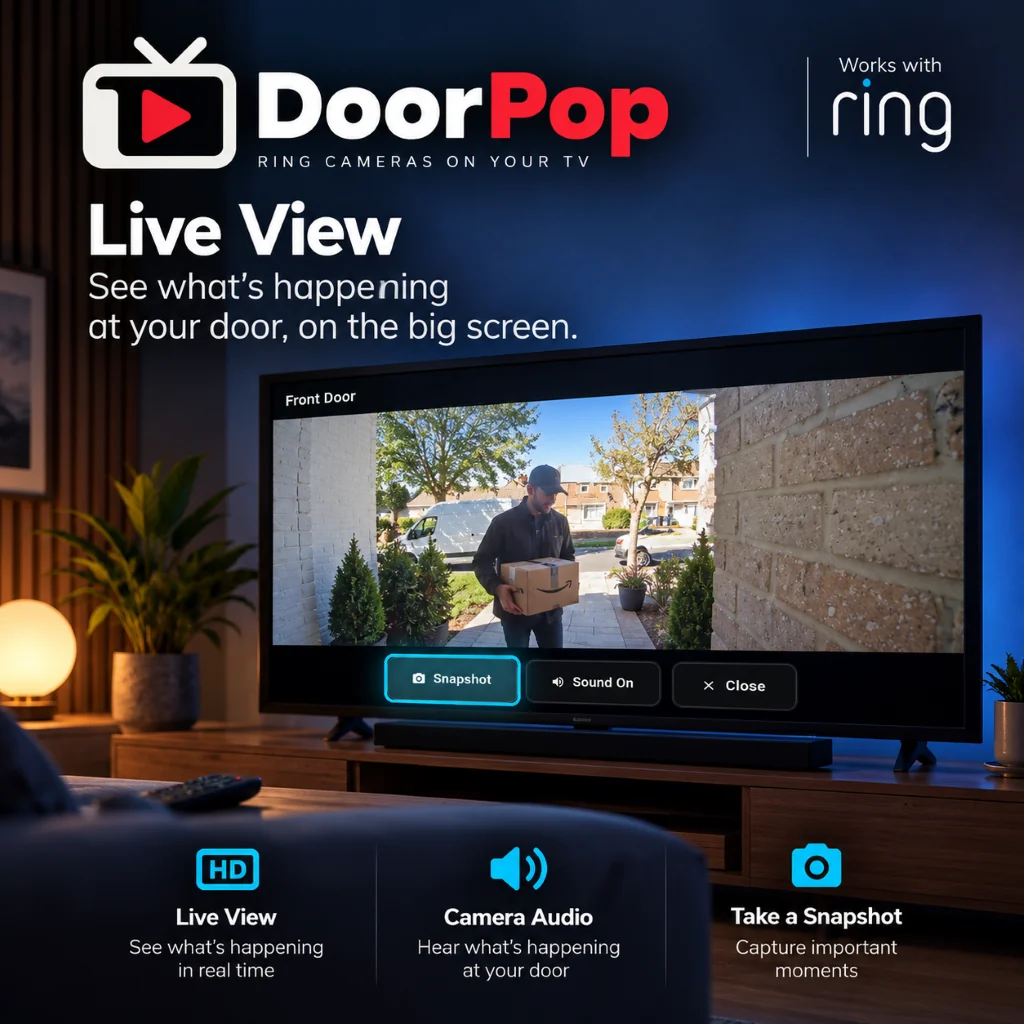
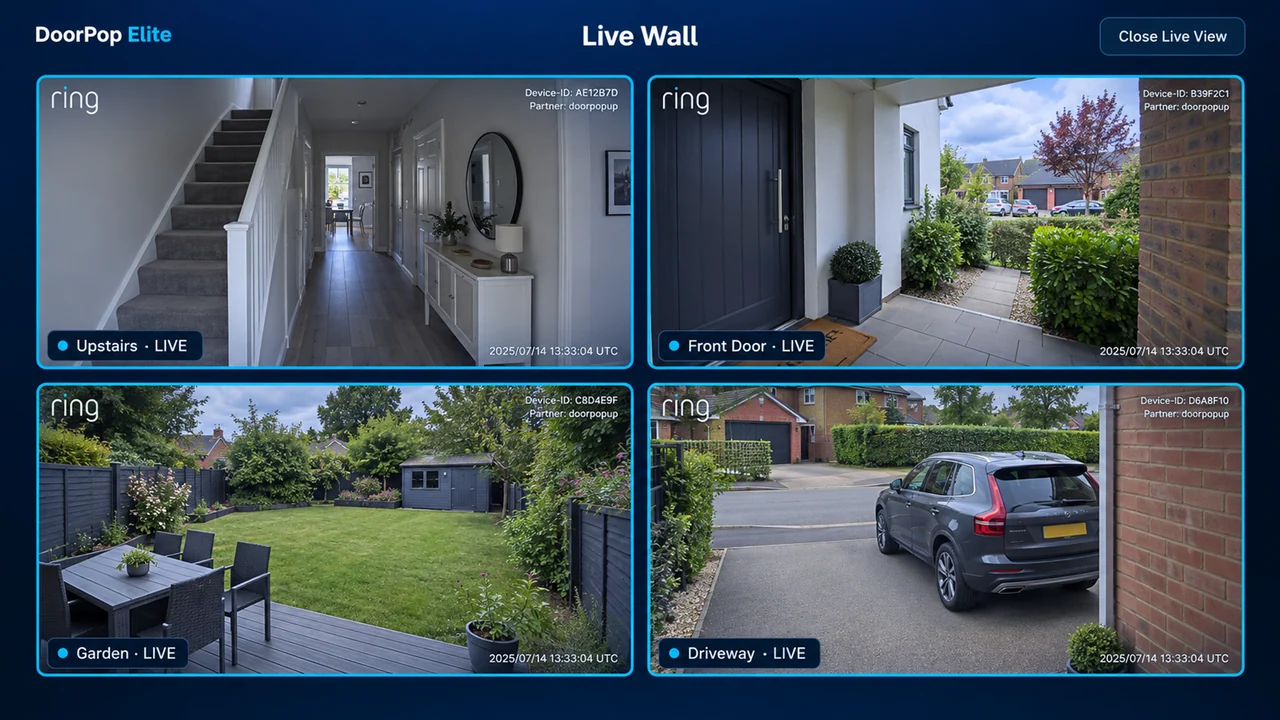
03 / LIVE WALL
Monitor multiple compatible Ring cameras simultaneously on your television. Bring your camera views together and see what's happening around your home at a glance.
04 / RECENT ACTIVITY
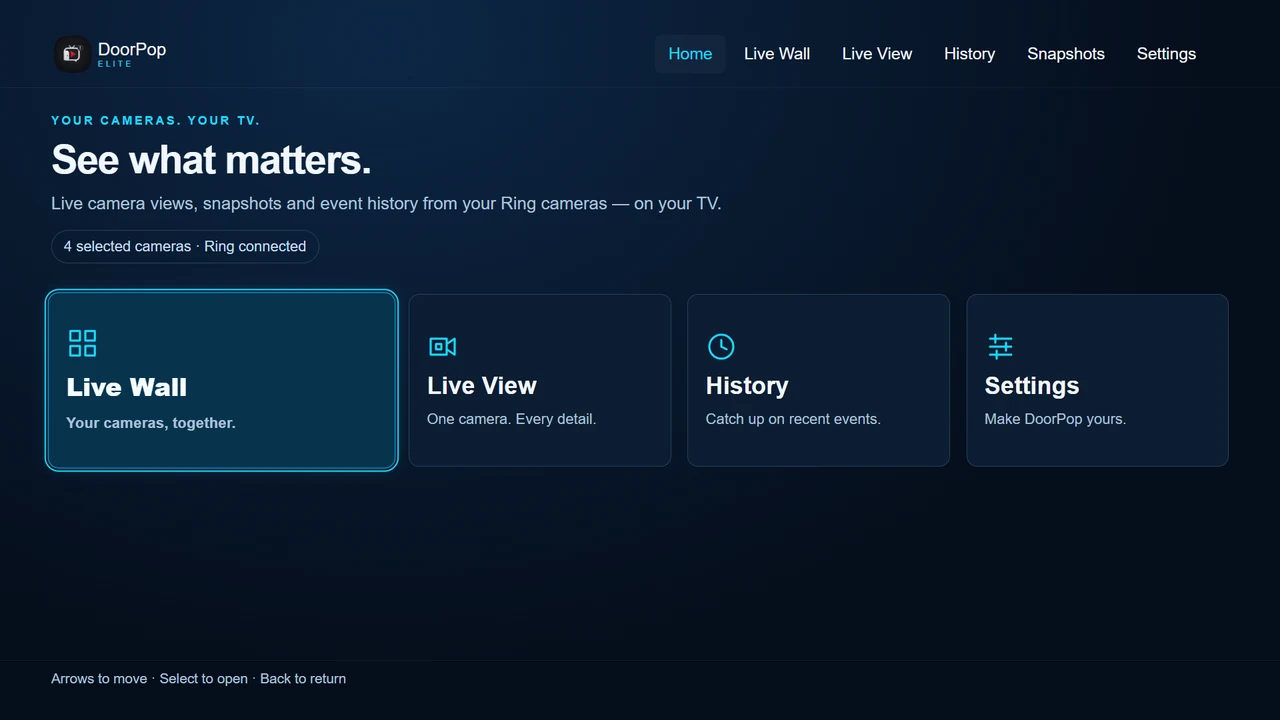
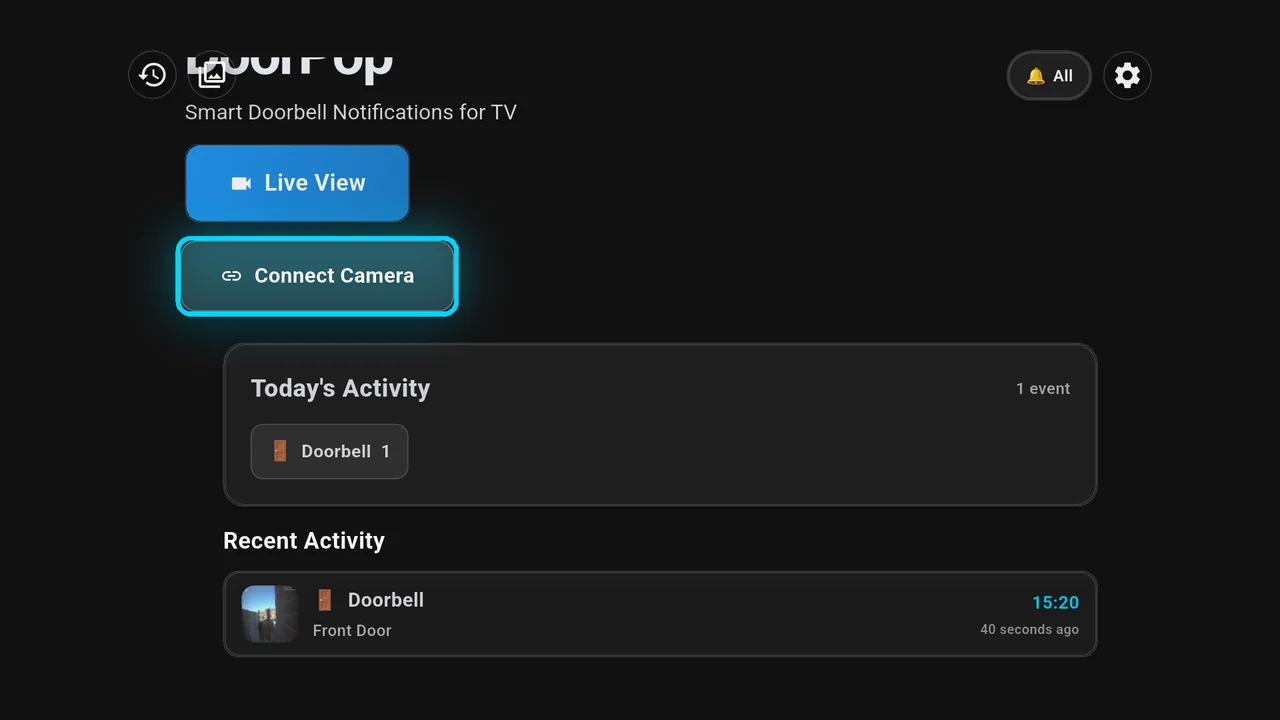
Catch up on recent Ring events from your TV. See activity at a glance, including available event thumbnails and snapshots.
What appears depends on your camera, platform and settings. The Android TV screen shown here includes a recent front-door doorbell event.
Explore activity and notification help05 / EASY SETUP
Your phone handles account linking. Your TV takes it from there.
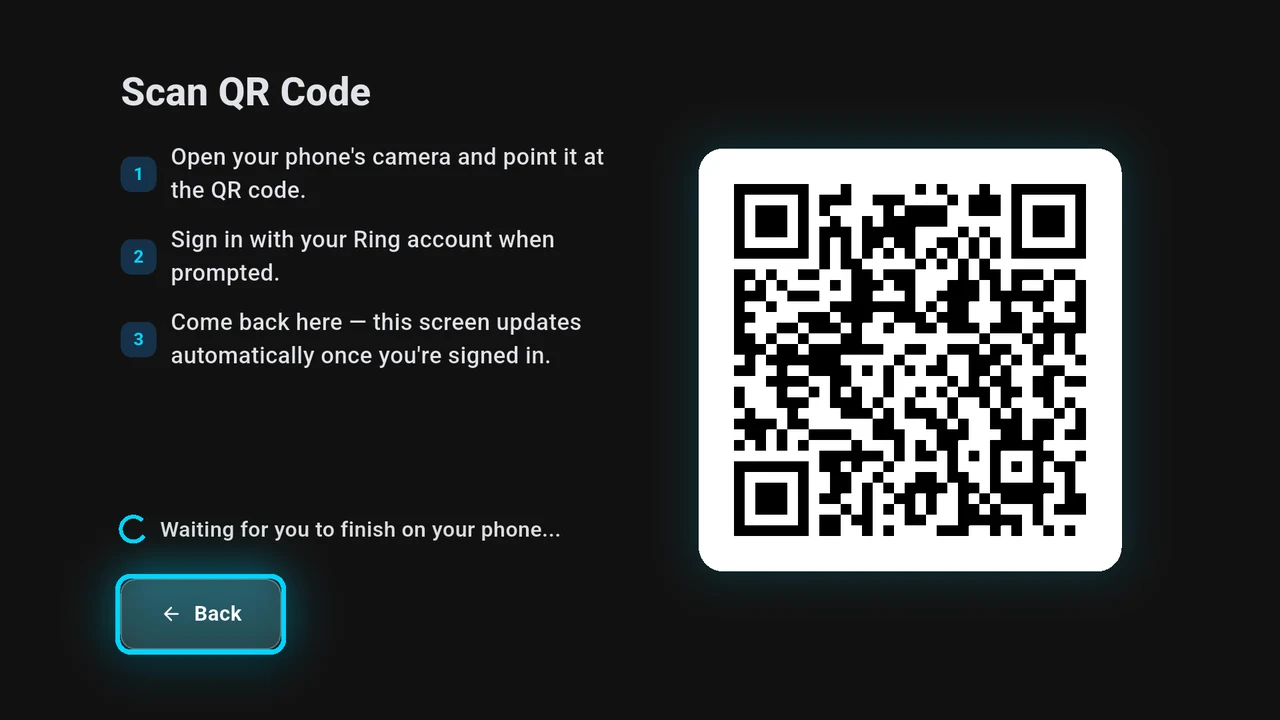
Install the version for your TV and choose Ring.
Use your phone and follow the steps to link your Ring account.
Return to your TV, complete any platform-specific permissions and choose your cameras.
FIND YOUR SCREEN
Choose the version that matches your device.
Install the beta APK on compatible Android TV devices. Google Play testing and publication are pending.
Android TV installationUse the Android TV beta on compatible Google TV devices. DoorPop is not yet live on Google Play.
Google TV installationDoorPop Elite is available for Fire TV devices running Vega OS. Android-based Fire OS devices are not supported by this version.
Vega OS installationCheck your device's operating system before installing. Vega OS and Android-based Fire OS are different platforms.
GOOD TO KNOW
No. DoorPop Elite is available for Amazon Fire TV devices running Vega OS. Vega OS is different from Android-based Fire OS; this version does not support Fire OS devices.
Not yet. Google Play testing and publication are pending. The Android TV and Google TV beta is available through our installation page.
A supported TV device, an internet connection and a Ring account with compatible cameras or a doorbell already set up. DoorPop is a companion to your Ring app.
Live Wall brings multiple compatible Ring camera feeds together on your television so you can monitor them simultaneously. Your available views depend on your cameras and setup.
Check the information shown for your platform before installing or subscribing. For the Android TV beta, see our existing early-access information. For DoorPop Elite on Vega OS, check its Amazon Appstore listing.
Need a hand? Visit DoorPop support